Turn a tiny computer into games, gadgets, virtual pets and more!
Micro Coding Foundations is an 8-week live online coding course where participants learn programming by actually building things. Each week introduces a new project and new challenges while building on the skills developed in previous sessions.
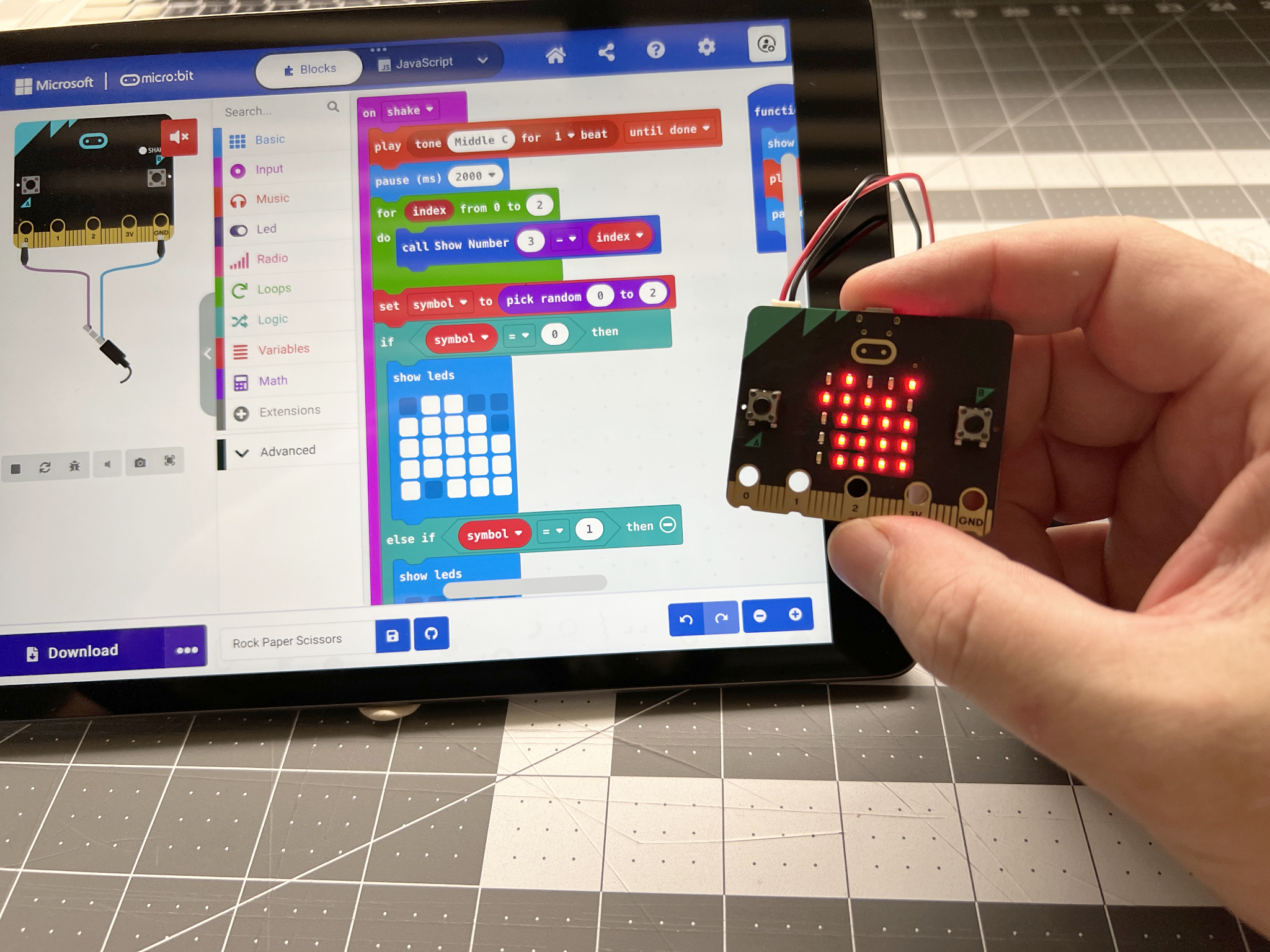
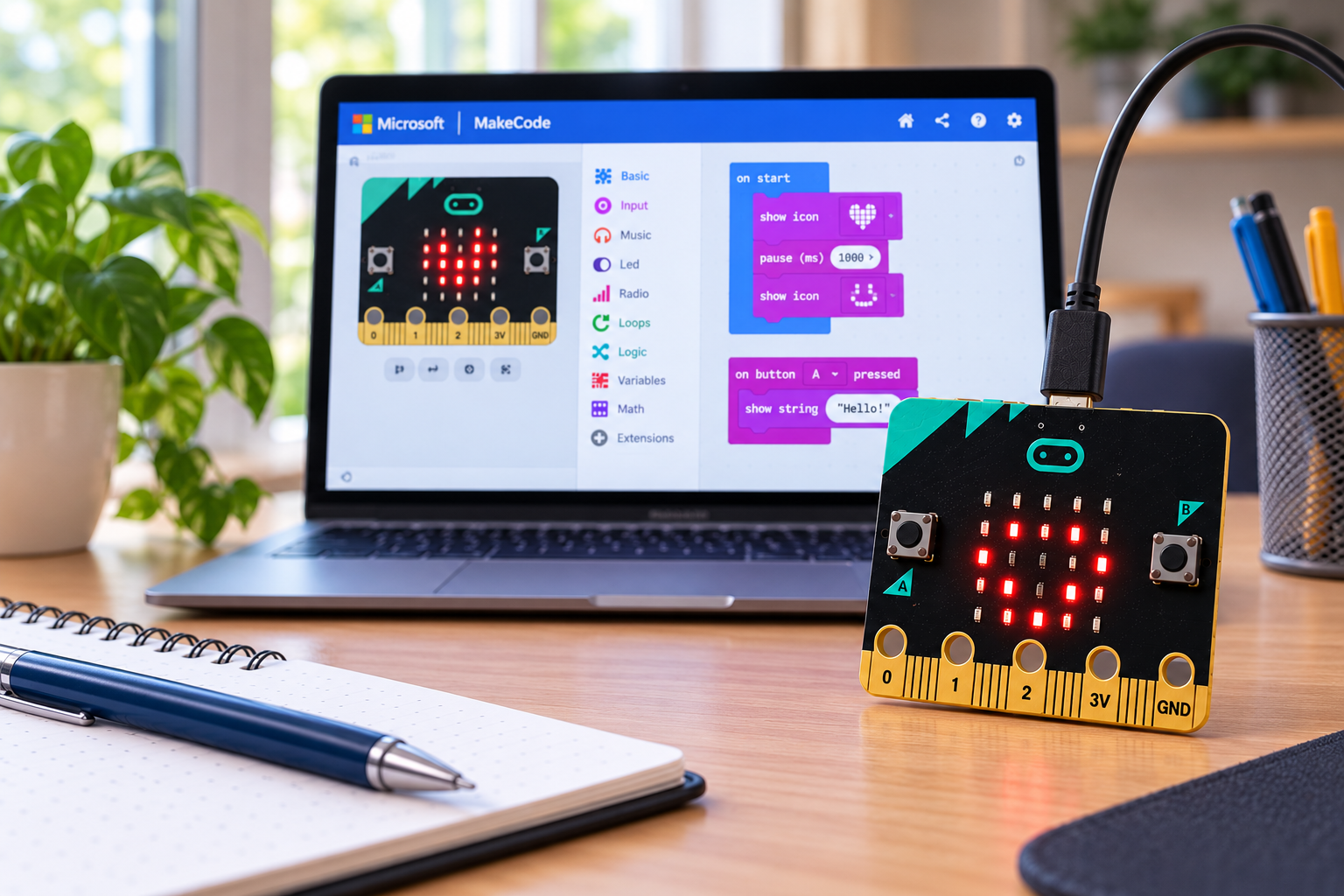
Sessions are delivered live online through Zoom, where we'll code together, experiment, solve problems and tackle new challenges. Participants will create their programs using Microsoft MakeCode for micro at makecode.microbit.org, so there's no special coding software to install.
We’ll start with visual block coding, learning how programs respond to buttons, movement and other inputs while controlling the micro’s LED display. As the course progresses, participants will work with variables, decisions, loops, timing and game logic before making the jump from blocks into JavaScript.
Because MakeCode lets us see the same program as both blocks and JavaScript, participants can discover how the coding concepts they already understand translate into written code. By the second half of the course, we’ll be writing and modifying JavaScript to create increasingly sophisticated projects.
Every session includes guided coding, experimentation and challenges that encourage participants to customise their programs and discover their own solutions.
What will we build?
Week 1: Meet Your Micro
Discover what the micro can do and create an interactive digital badge. Learn how code can respond to buttons, movement and other inputs while creating icons, messages and animations on the LED display.
Week 2: Reaction Game
How fast are your reflexes? Build a reaction-testing game using random delays, timing and scoring. We’ll introduce variables and conditional logic, then challenge participants to improve their game with multiple rounds and high scores.
Week 3: Micro Pet
Create a virtual pet that needs attention! Give your pet hunger, happiness and energy levels, then write the rules that determine how it behaves. Feed it, play with it and keep it happy while learning how programs keep track of changing information.
We’ll also begin exploring how our block programs look when converted into JavaScript.
Week 4: Upgrade Your Pet with JavaScript
It’s time to move beyond blocks. Using our virtual pet as a familiar starting point, we’ll learn how variables, events and decisions are written in JavaScript. Then we’ll add new behaviours and features directly in code.
Week 5: Build an LED Mini Game
Turn the micro’s 5×5 LED display into a tiny game screen. Control a player, move objects around the display, keep score and detect collisions while learning about coordinates, loops and game state.
Then customise the game. Make it faster, harder or completely change the rules.
Week 6: Smarter Code
As our programs become bigger, we need better ways to organise them. We’ll introduce functions and reusable pieces of code, then use them to improve our game from the previous week.
Participants will learn how programmers take a working program and make it cleaner, easier to understand and easier to expand.
Week 7: Wireless Challenge
Micro can talk to each other!
Discover radio communication and write JavaScript that can send and receive information wirelessly. We’ll experiment with messages and commands before using what we’ve learned to create a wireless challenge, communicator or multiplayer experience.
Week 8: The Final Challenge
Now it’s your turn.
Participants will plan and create their own micro project using the skills developed throughout the course. It could be a game, digital pet, interactive gadget, useful tool or something completely unexpected.
The challenge is to combine inputs, variables, decisions, loops and functions into an original working program before we finish with a showcase of what everyone has created.
From Blocks to JavaScript
No JavaScript experience is expected.
We deliberately begin with block coding so participants can concentrate on understanding how programming works before worrying about syntax. Over the eight weeks, we progressively move into JavaScript so concepts such as variables, loops and conditionals are already familiar when participants encounter them as written code.
By the end of the course, participants won't just have followed instructions to make projects. They'll have developed the foundations needed to start designing, coding, testing and debugging programs of their own.
What you'll need
You'll need:
A computer with an internet connection
Access to Zoom
A modern web browser
A BBC micro is recommended, but not required
We'll use Microsoft MakeCode for micro at makecode.microbit.org throughout the course.
MakeCode includes a virtual micro that can run programs directly in the browser, so participants can complete the course even without a physical device. Having your own micro is recommended, however, as you'll be able to download your programs and see them running on the real device.
No additional electronics, sensors or components are required.